Remove unsent changes
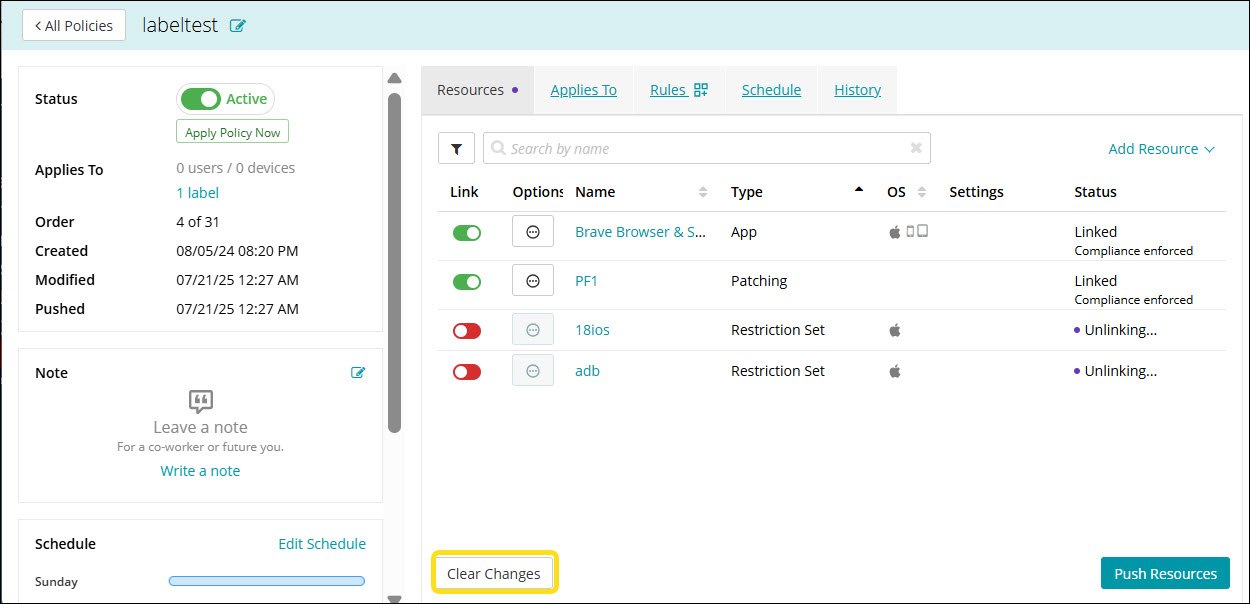
When configuring a policy, resources added but not yet pushed remain in a Linking state. These changes are considered unsent and can be discarded before they are finalized.
To remove unsent changes:
- Go to Policies in top navigation.
- Click an individual policy to open the policy details.
- Click Clear Changes to remove any resource that is still in the Linking/Unlinking state.
This removes the resource from the policy.