View change history
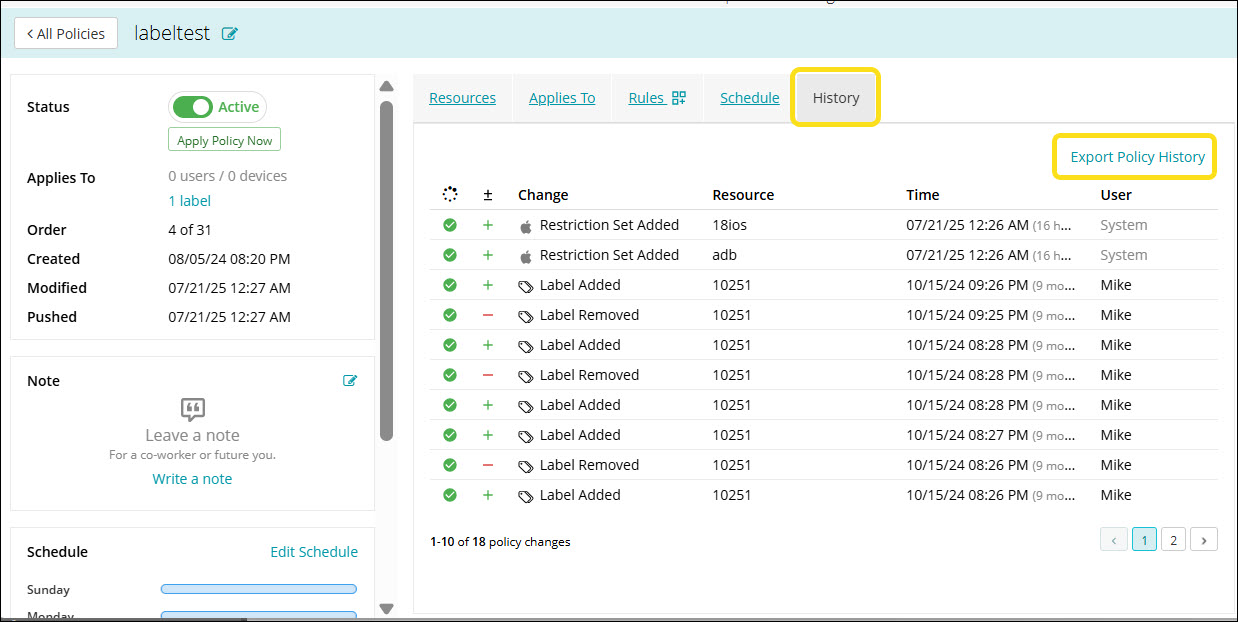
All the actions performed during a policy configuration are recorded in the History panel, providing a clear audit trail of changes. If needed, you can export the report in CSV format.
To view change history:
- Go to Policies in top navigation.
- Click an individual policy to open the details.
- Click the History tab to view the actions performed during policy configuration.
- Click Export Policy History to export the report in CSV format.