Finding your way around
KACE Cloud product interface is organized using the following tabs. You can access these tabs using the links that appear along the top of the main screen.
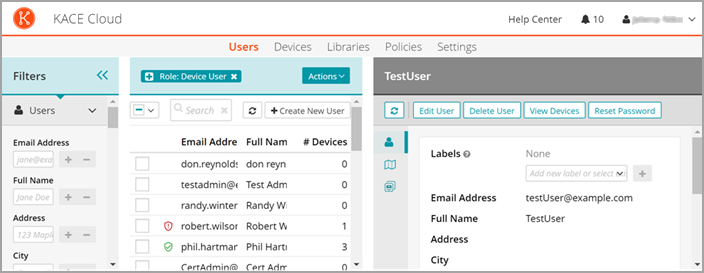
Users
Use this tab to create and manage users. To allow new users to enroll devices, set up user accounts for them. For more information, see Create user accounts.
Devices
Use this tab to add and manage mobile devices. Start by enrolling mobile devices. There are unique enrollment processes for Android, iOS, macOS, tvOS, and Windows devices. For more information, see Enrolling devices.
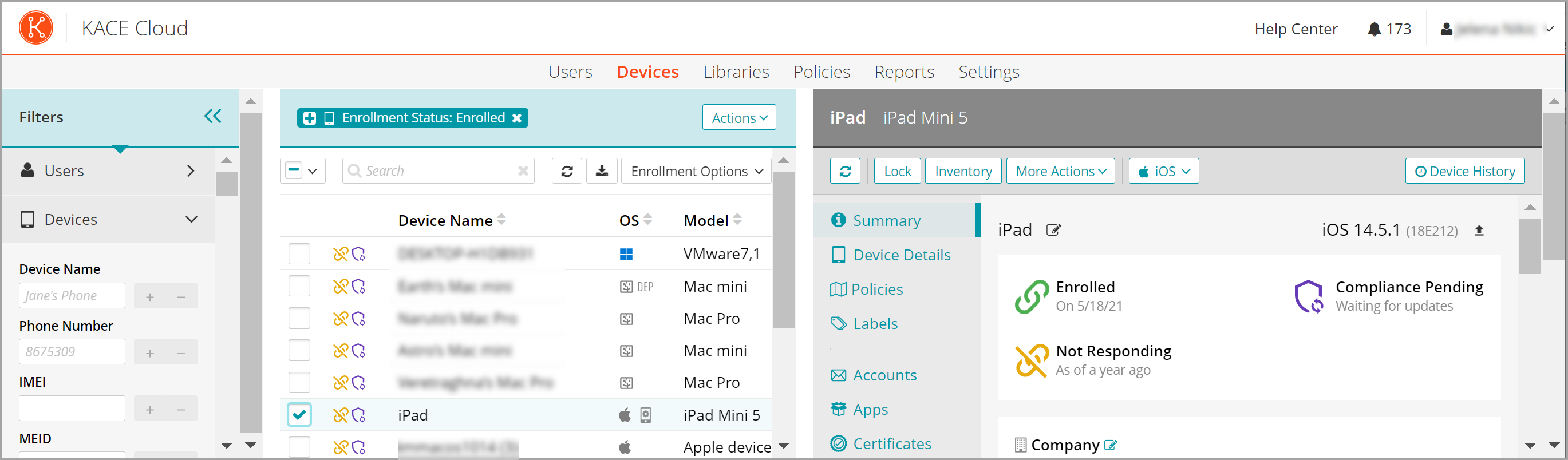
Learn how to Configure Device and User Views
Libraries
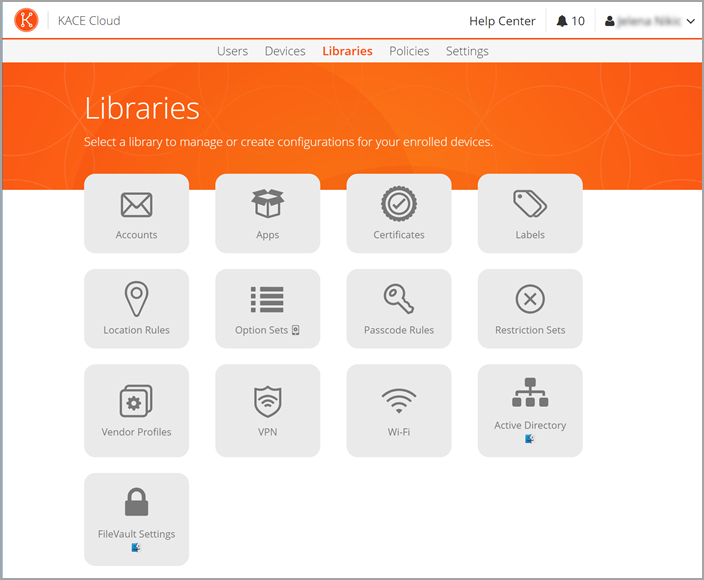
Use libraries to store configuration settings for easy access and management. A library alllows you to create and manage specific configuration sets that you can apply to devices as needed. For more information, see Configuring and applying Library settings.
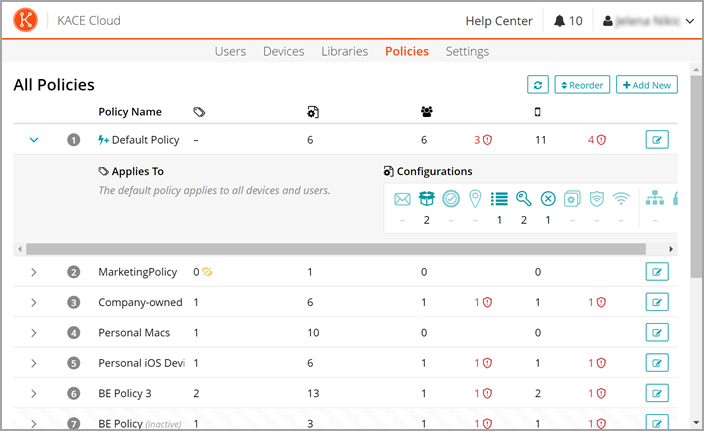
Policies
Use this tab to create a collection of specific configurations and define the order in which to apply them. This mechanism provides administrators a unified means of targeting specific devices. For more information, see Using policies to manage device configurations
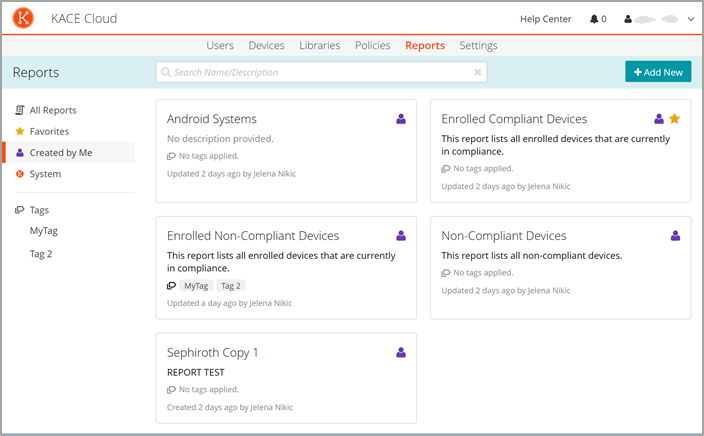
Reports
Use this tab to view and create reports. For more information, see Using reports.
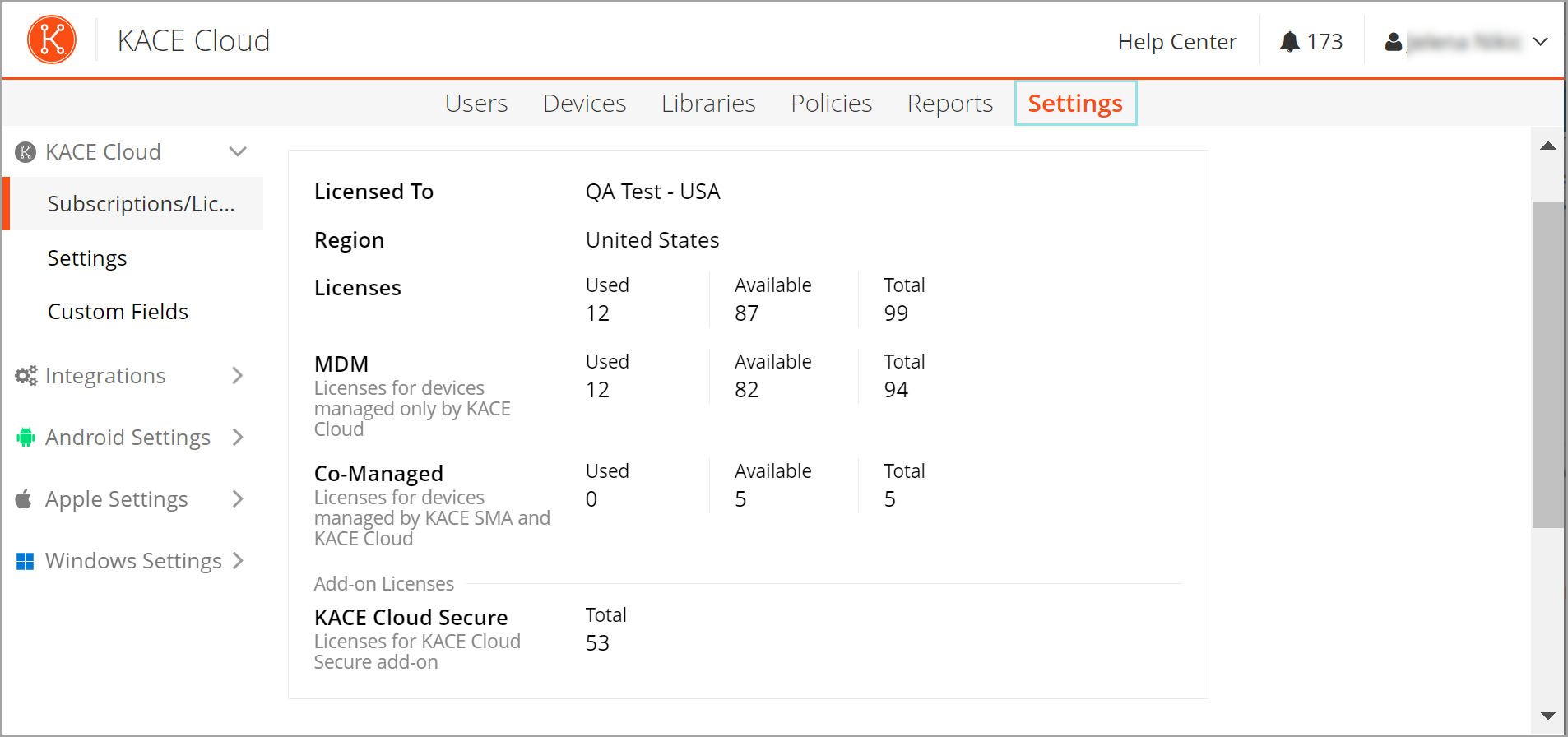
Settings
Use this tab to specify internal KACE Cloud settings and configure integration with external systems such as Apple DEP or Google Play. For more information, see Explore KACE Cloud Settings.